
The AI Agent Blueprint
The exact multi-agent framework behind a 7-figure automation agency. 21+ specialized AI agents across content, operations, and sales. Fully customizable. Drop it in Claude Code and go.
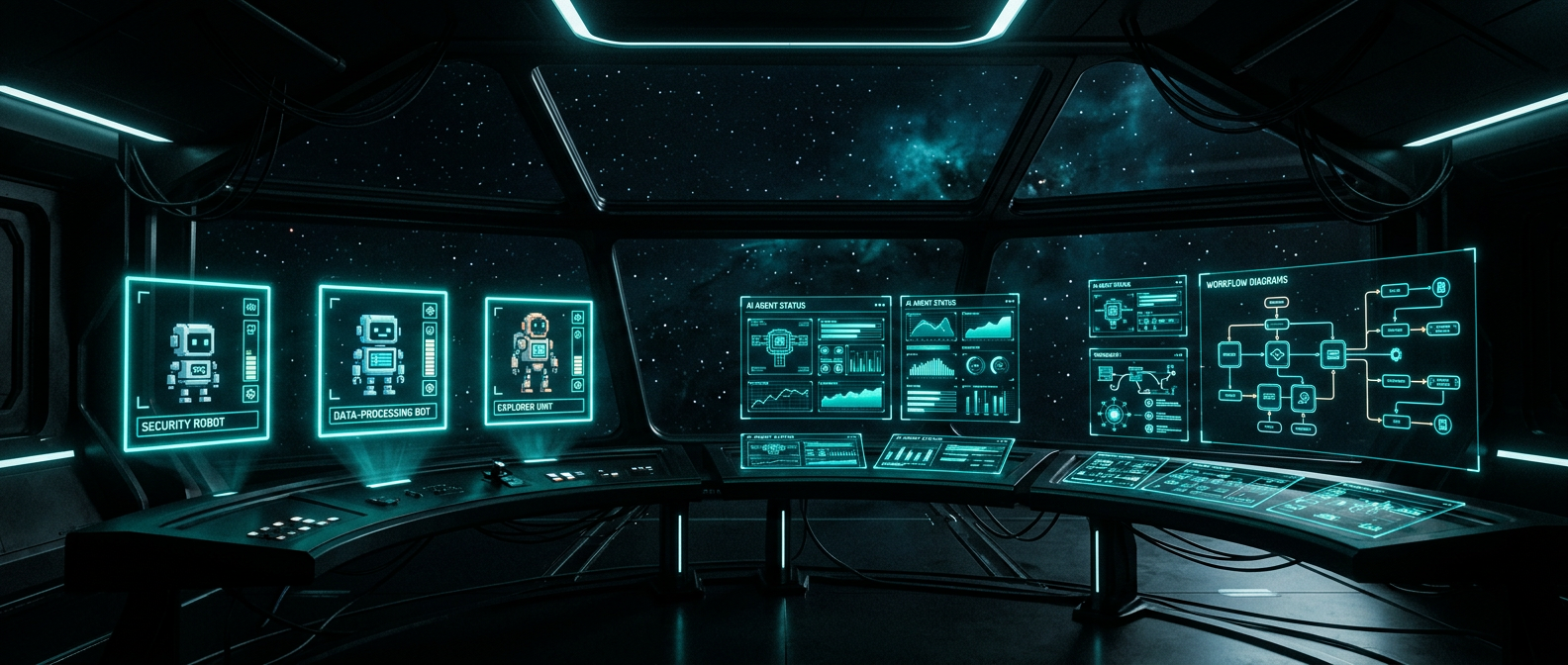
Three Departments. One System.
Each department has its own orchestrator that routes your requests to the right agent. You talk to the team lead. It handles the rest.
Content Team
Turn one idea into a full week of content across every platform.
- Scout (Research)
- Scribe (Newsletter)
- Slides (IG Carousel)
- Spark (IG Caption)
- Soapbox (LinkedIn)
- Sketch (Infographic)
- Flipbook (GIF)
- Showtime (Video)
Operations
Deliver full client projects in days. CRM builds, chatbots, QA, everything.
- Flow (CRM/GHL Automation)
- Cipher (Prompt Engineering)
- Canvas (UI/UX Design)
- Forge (Frontend Dev)
- Engine (Backend Dev)
- Shield (QA Testing)
- Beacon (Client Success)
- Sable (GHL Knowledge Base)
Sales Intel
Find leads, analyze calls, draft proposals, manage pipeline. Mostly automated.
- Radar (Lead Generation)
- Prospector (Research Briefs)
- The Closer (Call Analysis)
- Orbit (Pipeline Management)
- Thread (Reddit Monitoring)
How to Set It Up
No coding required. If you can install an app and edit a text file, you can run this system.
Get Claude Code
Claude Code is the AI runtime that powers every agent. Install it from Anthropic, connect your API key, and you have the engine.
Drop In the Template
Unzip the agent framework to any folder on your machine. Each agent is a directory with an instruction file (AGENT.md), API settings, skills, and a self-improving memory system.
Write Your Brand Files
Four files control how every agent writes, designs, and communicates. Update your voice guide (how you write), ICP (who you serve), brand context (what you do), and visual identity (colors, fonts). Every agent reads these before creating anything.
Add Your API Keys
Each agent that connects to external services has a settings template. Copy it, paste in your actual keys. Start small: the content team only needs a Gemini key for images. Operations needs a GHL key. Sales needs whatever lead sources you use.
Talk to the Orchestrator
Open a terminal in any department folder and launch Claude Code. That's it. Say "write a newsletter about speed to lead" and the orchestrator routes to Scout (research), then Scribe (writing), then asks if you want to repurpose into carousel, LinkedIn, and infographic.
Let Them Learn
Every agent has a .learnings directory that logs what works and what doesn't. The more you use them, the better they get at your specific use cases, your industry, your voice. It's a system that compounds.
What You Can Build With It
These are real workflows we run every week. Not theory. Not "what if." This is what the system does.
One Idea, Six Platforms
Give the content team a single topic. Get back a newsletter, IG carousel with PNGs, Instagram caption, LinkedIn post, data infographic, and optional video clip.
Client CRM in 5 Days
New client signs up. Operations department builds their GHL sub-account, pipelines, workflows, AI chatbot prompts, and runs QA on everything before handoff.
Lead to Proposal
Sales agents find businesses matching your ICP, run pre-call research, analyze your sales calls, and auto-draft proposals using the prospect's own language.
Multi-Client Management
Manage multiple client accounts without accidental cross-pollination. Every CRM operation starts with "which account is this for?" Built-in guardrails.
What's Included
Everything you need to run the system. Nothing you don't.
21+ Agent Configs
Full AGENT.md instructions for every agent. Role, capabilities, routing rules, output formats.
3 Orchestrators
Department-level CLAUDE.md files that coordinate agents and route your requests automatically.
Brand Templates
Voice guide, ICP, brand context, and visual identity files. Fill in yours, every agent follows it.
Pipeline Definitions
Pre-built content pipelines: Newsletter-to-Everything, Topic-to-Full-Week, Carousel-Cross-Platform, Video-First.
Dashboard UI
Visual command center showing real-time status of all agents. Which are idle, working, or completed.
Self-Improving Memory
Every agent has .learnings files that log errors, wins, and feature ideas. They get better over time.
MCP Server Configs
Pre-configured tool connections for GHL, image generation, web search, and more. Plug in your keys.
Setup Guide
Step-by-step quick start. Install, configure, customize, launch. Under 10 minutes to first agent run.
Agent Sprite Art
Pixel-art robot avatars for every agent. Used in the dashboard and make the system feel alive.
Ready to Build Your Own?
Download the blueprint and start running your business with AI agents. Or let us set the whole thing up for you.